

Job cards, checklists and machine status for the plant floor.

The OptiCore app replaces paper job cards with one shared record. Supervisors raise and route work, technicians record what they did, production confirms the machine is running, and every job stays on the machine’s history.

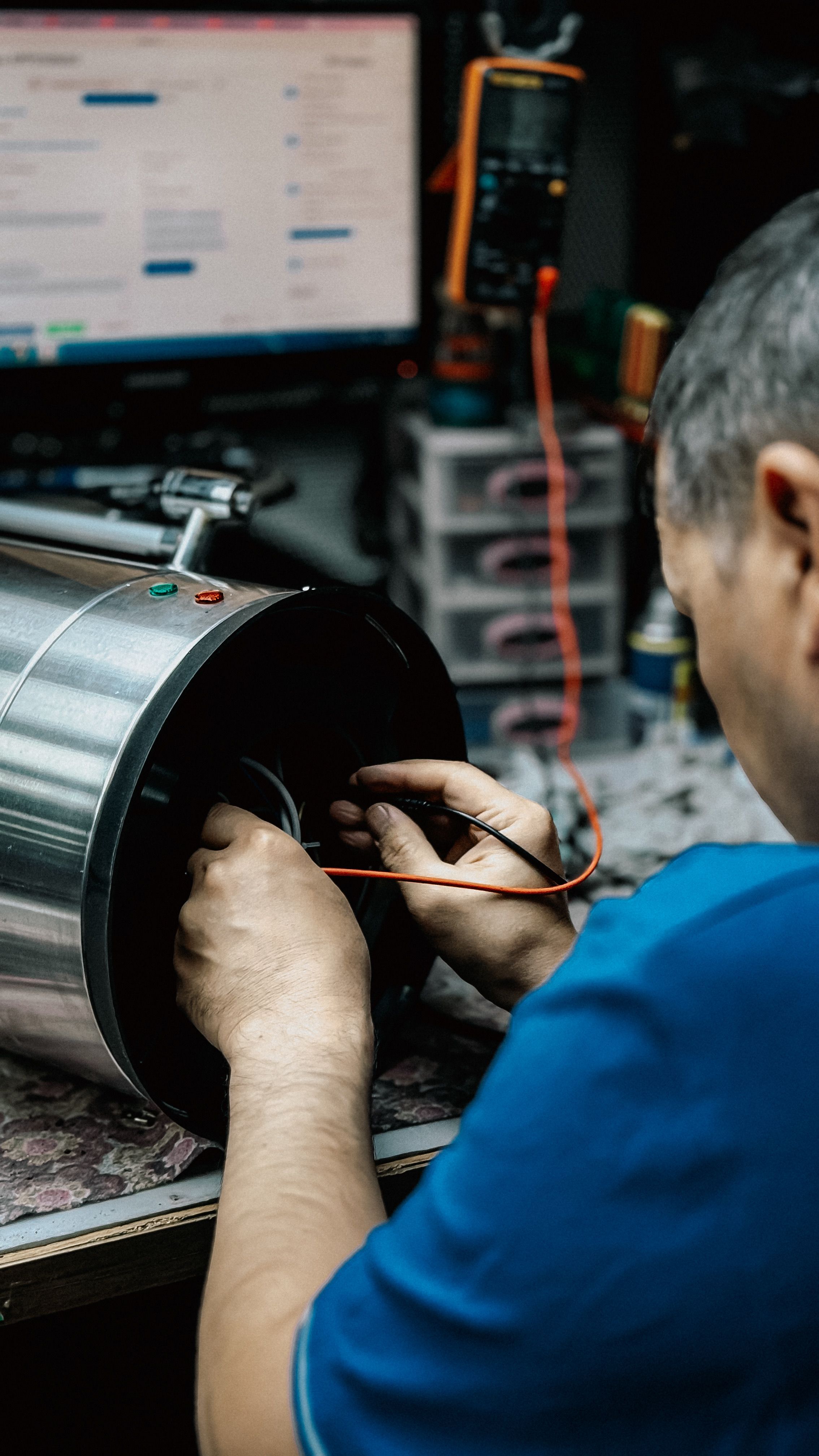
A technician works on the internals of an industrial machine.

Every job card, from raised to closed.

Each step is signed by the person responsible, so nobody has to ask whether a job is really finished.

  1. Raised and routed

    A supervisor raises a job card against a machine, says what is wrong and how urgent it is, and sends it to the right trade.

  2. Taken or assigned

    A technician in that trade takes the job from the queue, or a supervisor gives it to someone directly. Apprentices can be attached alongside.

  3. Worked and recorded

    The technician records what they did, the parts used and anything they changed, with notes and photographs.

  4. Signed off

    The technician signs off the work. Production confirms the machine is running again.

  5. Checked and closed

    A supervisor checks the record and closes the card. It stays on the machine’s history.

Everything the floor needs, on one screen.

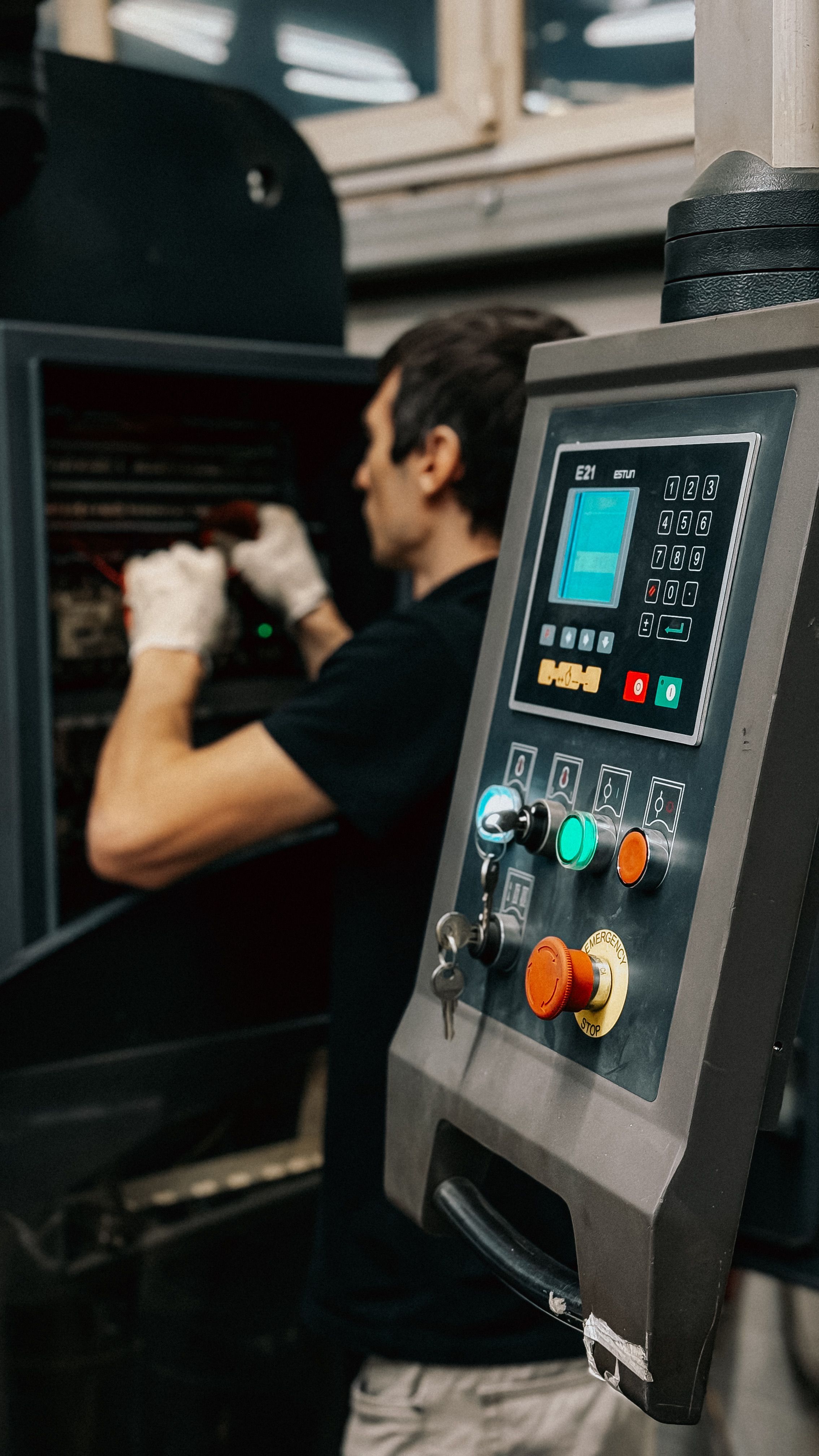
A technician operates the control panel of a production machine.

Machine status and stoppages.

See what is running, what is not and why. Anyone on the floor can say a machine has stopped, give the reason and say when it runs again.

  • Stop reasons include breakdown, changeover, cleaning and CIP, scheduled maintenance, waiting for materials, no orders, and waiting on air or water
  • Record whether the plant is on normal power or running on the generator
  • See how long since a stoppage was reported

A worker in a hard hat and high-visibility vest completes an inspection checklist in a plant.

Checklist rounds.

Engineering supervisors send out checklist rounds, from the weekly round to the monthly, quarterly and annual service. Anything found during a round can become a job card.

  • Rounds arrive on the technician’s own list
  • Findings are recorded against the machine
  • Outstanding checklists stay visible until they are done
A technician in a hard hat and high-visibility vest works on large industrial machinery.

A record for every machine.

Areas, machines and their auxiliary equipment, each with its job cards, stoppages and documents in one place.

  • Keep manuals, certificates and service reports with the machine
  • Repeat faults are flagged when the same fault has been recorded on the machine before
  • Every job card filed against a machine stays on its history
Three engineers in hard hats review information together on a tablet in a factory.

Shift handover and reports.

The last shift’s summary, ready to share, with handover signatures from the engineering and production supervisors. Managers and executives read the plant’s figures over any period.

  • Dashboards show what needs attention today
  • Reports cover any period
  • Executives can see everything and change nothing

Built for phones, gloves and patchy Wi-Fi.

The app is designed for the people doing the work, where they do it.

Works without a connection

If the phone loses signal, anything recorded is saved on the phone and nothing is lost.

Installs like an app

Add it to a phone or tablet home screen, or use it in a browser on a computer.

Readable in the plant

Larger text for gloves and bad light, and light or dark mode.

Notifications

People are told when work is given to them or a round is sent to them.

The right access for every role.

Each person sees and does what their role allows. Every administrative change is kept in a permanent activity log.

Administrator
Runs the system and the organisation setup.
Manager
Oversees the plant and its people.
Executive
Sees everything, changes nothing.
Supervisor
Raises job cards, assigns work and confirms it is done.
Technician
Does the work and signs for it.
Apprentice
Is given work and attached to a job alongside a technician.

Part of the OptiCore platform.

Job cards, stoppages and checklist rounds are some of the records OptiCore is built to keep in context, alongside production, quality and maintenance data from your other systems.

See the job card app with your own machines and trades.

Book a walkthrough with the Zorithal team. Existing users can sign in at app.opticore.co.zw.