Clock drift between systems
Source clocks are compared during validation. Known offsets are recorded and corrected transparently, and the original timestamp is kept.


OptiCore works with approved plant data, files, paper records and its own capture workflows. Each source has a defined access mode and is qualified before use.
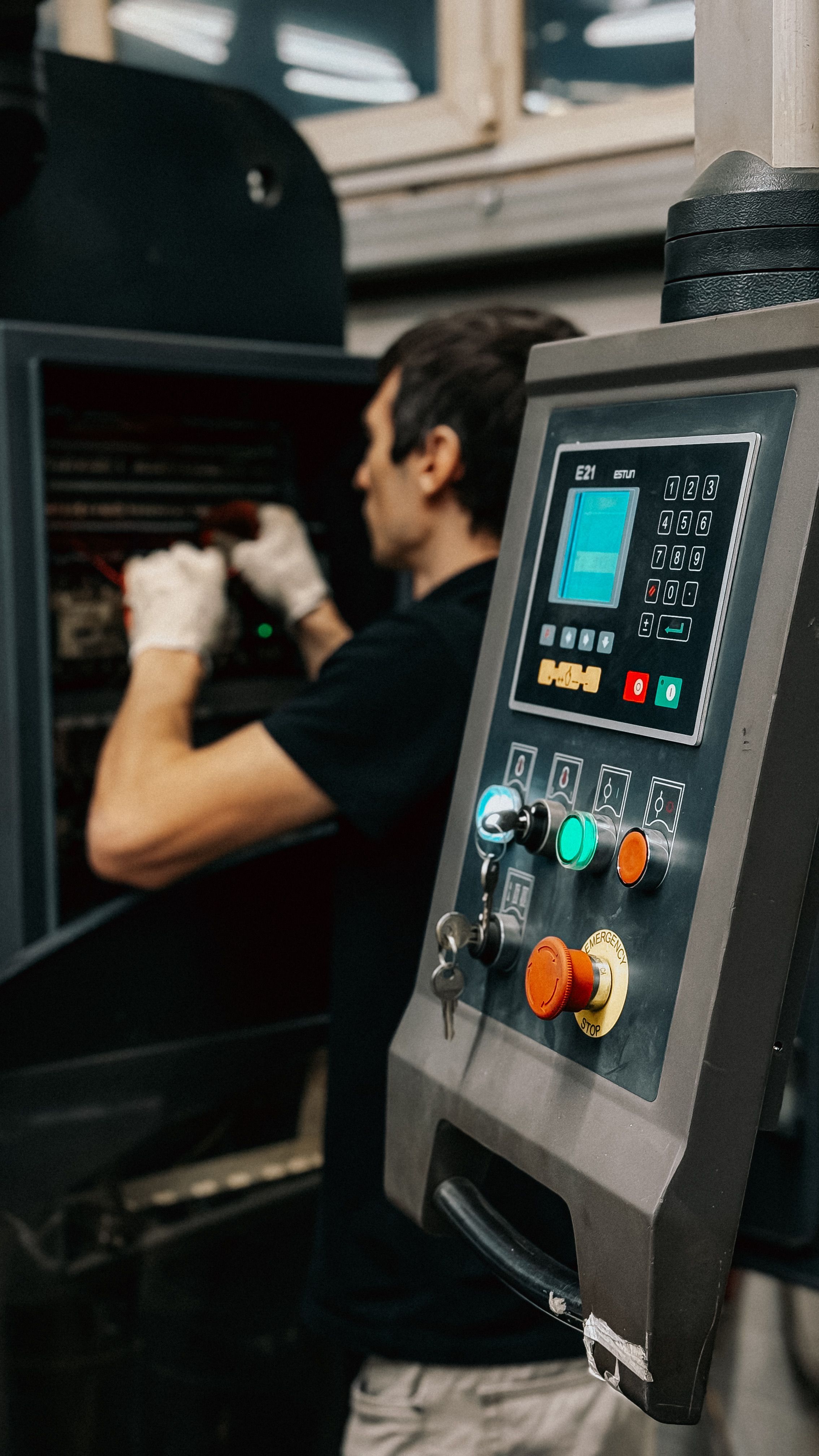
These are integration categories. Individual products and versions are qualified during assessment.
| Source | Typical records | Access | How it connects | Qualification |
|---|---|---|---|---|
| ERP / MES | Production orders, materials, shifts, product definitions | Read-only connector | Database views, reports or vendor APIs, through accounts with read permissions only. | Source owner approves scope and account; schemas reviewed during assessment. |
| SCADA / historian | Tags, alarms, events, time series | Read-only connector | Read-only historian or SCADA interfaces on the plant network, without connecting to control logic. | OT owner approves network path, tag scope and polling load before connection. |
| PLC data | Counters, states, cycle signals | Read-only connector | Preferably through an existing historian or gateway; direct reads only where the OT owner approves. | Evaluated case by case for safety, load and vendor support. Write paths are never configured. |
| CMMS | Work orders, asset register, failure codes | Read-only connector | Read access to work-order and asset data through reports, views or APIs. | Asset identifiers reconciled against the OptiCore plant model during validation. |
| Files & spreadsheets | Lab sheets, shift reports, exports | Import | Structured imports with templates; the original file is retained and referenced. | Templates agreed per record type; rows that fail validation are flagged, not silently dropped. |
| Paper records | Logbooks, checklists, handwritten notes | Import | Transcription workflow with the scanned page kept as evidence; uncertain fields are marked. | Transcription rules and review steps defined with the plant. |
| Native capture workflows | Operator entries, downtime reasons, inspections, reviews | Native OptiCore record | OptiCore terminals and Studio on the plant network, under role-based authorization. | Workflows configured per plant on the standard core; changes are audited. |
Read-only access, imported documents and native records carry different responsibilities.
Each source owner approves the scope, account and network path. OptiCore stays outside the equipment-control loop.
Clock drift, missing identifiers and interrupted connections are assessed as part of the integration work.
Source clocks are compared during validation. Known offsets are recorded and corrected transparently, and the original timestamp is kept.
Event time and recorded time are stored separately, so a record entered hours later is still placed correctly and flagged as late.
When two sources disagree, both are kept and the conflict is surfaced for review rather than resolved by guesswork.
Identity history keeps old records attached to the asset as it was configured at the time.
Connector maintenance is part of ongoing support. Schema changes are detected and reviewed before ingestion continues.
Local capture continues on the plant network. Read-only connectors are designed to resume and backfill when the source becomes reachable again.

We will work through source ownership, available interfaces, data quality and the practical scope of an integration assessment.